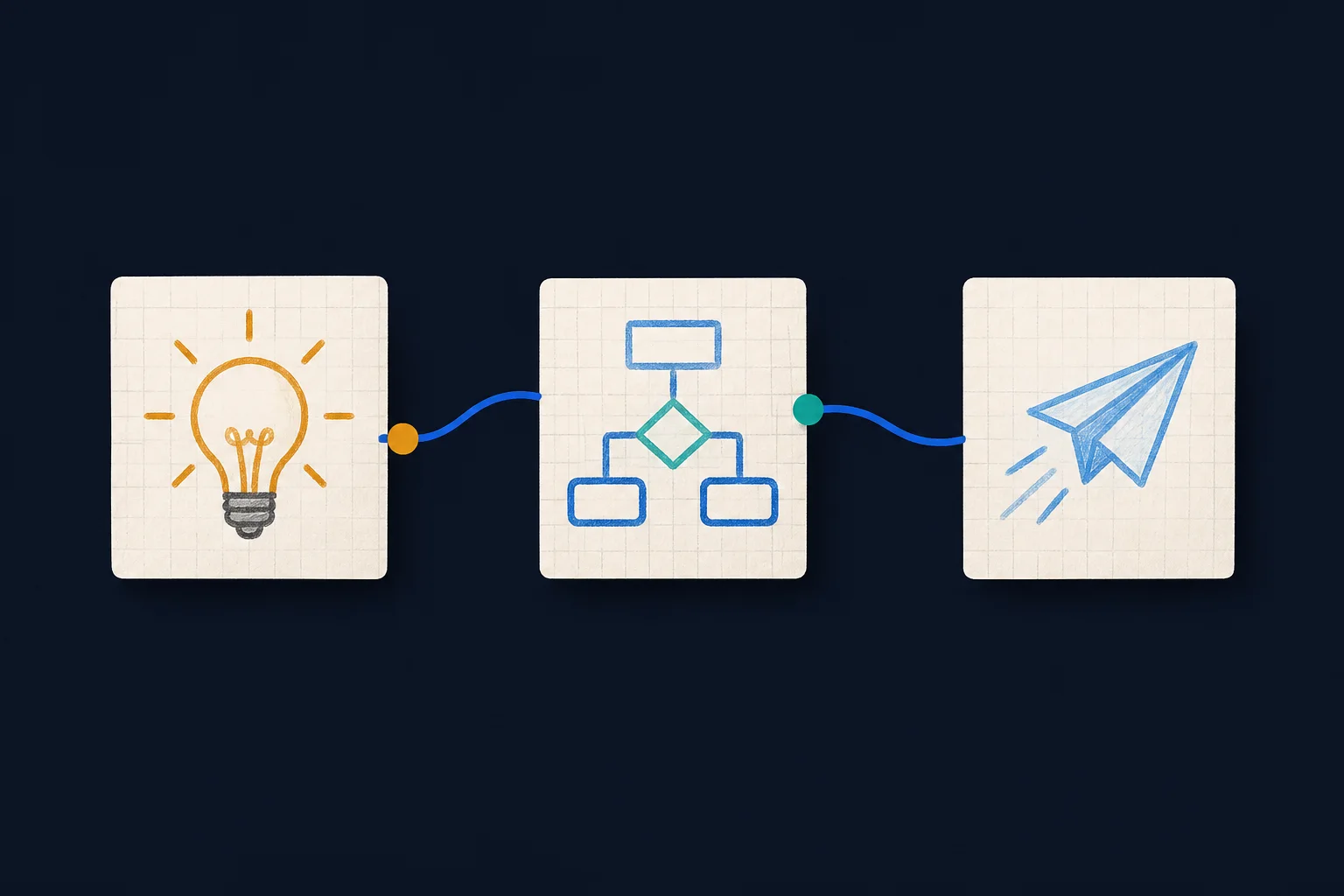
Indentation creates the flow.
Each non-empty line becomes a box. Indent a line beneath another box to connect them. Put text before a colon to label the connector.
# LR
Request
  reviews: Team Lead (round)
    - Confirms scope
approves: Delivery [blue]Request connects to Team Lead with a “reviews” label. Team Lead carries the “Confirms scope” note and connects to Delivery with an “approves” label.
Tip: use two spaces for every level. SketchFlow updates the board after a short pause while you type.
One safe language for each visual job.
Choose a type when creating a board. Flow uses indentation; Sequence uses participants and messages; Architecture uses stable service IDs; State, ER, Class, Gantt, and Timeline each use a small reviewed grammar. Changing a non-empty board creates a separate board and preserves the original source.
# SEQUENCEDeclare participant or actor, then connect exact names with -> or return with -->.
alt … else … endUse loop, note over, activate, and deactivate for reviewed interaction patterns.
# ARCHITECTUREDeclare a stable ID before the label, such as service api: Order API [cloud].
connect api -> db: writesArchitecture IDs make connections unambiguous. Remote icons, URLs, raw SVG, and raw Mermaid are rejected.
[server]Built-in choices are cloud, database, disk, internet, and server.
syntax v1Each board records its syntax version so future compiler changes can remain backward compatible.
# STATEDeclare states first, then connect stable IDs with labelled transitions. Initial and final are reviewed endpoints.
# ERDeclare entities and indented typed attributes with optional PK, FK, or UK markers.
# CLASSDeclare classes and indented members, then use reviewed inheritance, association, aggregation, or composition operators.
# GANTTUse allowlisted date formats, sections, tasks, milestones, and dependencies on previously declared task IDs.
# TIMELINEGroup period-and-event lines into optional sections for a simple chronological narrative.
A small language with useful detail.
# LRPlace the directive on its own first line.
# TDUseful for hierarchies and approval trees.
label: NodeEverything before the colon labels the incoming line.
- noteIndent the note below its box. Notes do not create new boxes.
(decision)Use (decision) or (diamond). Legacy (if) still works.
(round)Also available: (db), (circle), (document), (subroutine), (hexagon), (manual-input), and (terminator).
Group: NameIndent existing or new node names below the group.
Node [blue]Colors: blue, green, yellow, purple, and pink.
ships {green}: NodePut the color before the colon to color that connector.
Same NameType the exact same name again to link back to one shared box.
Patterns teams can use immediately.
Open an example when you need it. Each one pairs copyable source with the exact compiler-backed result.
Engineering & operationsProduction incident responseView source and result
# LR
Alert (round)
  pages: Incident Lead [blue]
    - Assigns owner
    coordinates: Engineering
    publishes {purple}: Status Page
verifies: Recovery [green]A compact left-to-right response path with an accountable incident lead, a note under the lead, colored outcomes, and labelled handoffs.
Finance & procurementPurchase approvalView source and result
# TD
Purchase Request
  checks policy: Budget Review (decision)
    approved: Procurement (round) [green]
      creates: Purchase Order
needs changes: Request Update [yellow]A top-down approval tree. Approved work proceeds to Procurement and then Purchase Order, while incomplete requests branch to Request Update.
Platform architectureEvent data pipelineView source and result
# LR
Webhook
  queues: Event Queue (db) [purple]
    processes {green}: Worker
      writes: Analytics Store (db)

Group: Data Platform
  Event Queue
  Worker
Analytics StoreA left-to-right pipeline grouped as Data Platform. Database shapes identify storage, while the green connector makes the processing step easy to scan.
Shape referenceReviewed flowchart shapesView source and result
# LR
Process (box)
  continues: Rounded process (round)
    chooses: Decision (decision)
      stores: Database (db)
        signals: Event (circle)
          records: Document (document)
            calls: Subroutine (subroutine)
              prepares: Preparation (hexagon)
                enters: Manual input (manual-input)
finishes: Terminator (terminator)Every documented shape alias is compiled by SketchFlow's reviewed registry. Shape tokens are never shown inside the resulting node labels.
Sequence diagramCheckout interactionView source and result
# SEQUENCE
participant Customer
participant Web App
participant Payment Service

Customer -> Web App: Submit order
Web App -> Payment Service: Authorize payment
activate Payment Service
alt Payment approved
Payment Service --> Web App: Authorization
Web App --> Customer: Order confirmed
else Payment declined
Payment Service --> Web App: Decline reason
Web App --> Customer: Try another method
end
deactivate Payment ServiceOrdered lifelines show a payment authorization, activation period, approved path, declined path, and user-facing responses without accepting unrestricted Mermaid source.
Architecture diagramCommerce platformView source and result
# ARCHITECTURE
group platform: Commerce Platform
service web: Web App [server] in platform
service api: Order API [cloud] in platform
storage db: Orders Database [database] in platform
port ingress: Public HTTPS on web
connect ingress -> web: requests
connect web -> api: JSON API
connect api -> db: reads and writesA reviewed architecture AST groups the web app, API, database, and ingress port, then compiles them through the safe fallback renderer with allowlisted icons.
State diagramOrder state lifecycleView source and result
# STATE
state draft: Draft
state review: In review
state fulfilled: Fulfilled
state cancelled: Cancelled
initial -> draft
draft -> review: Submit
review -> fulfilled: Approve
review -> cancelled: Reject
fulfilled -> finalThe order starts as Draft, moves through Review, and ends in either Fulfilled or Cancelled with labelled transitions.
Entity relationship diagramCustomer and order dataView source and result
# ER
entity customer
  uuid id PK
  string email UK
entity order
  uuid id PK
  uuid customer_id FK
rel customer ||--o{ order: placesCustomer and Order entities expose reviewed key markers and a one-to-many places relationship.
Class diagramNotification class modelView source and result
# CLASS
class notification: Notification
  +id: string
  +send(): void
class email: EmailNotification
  +recipient: string
rel notification <|-- email: extendsA base Notification class is specialized by EmailNotification and exposes reviewed attributes and methods.
Gantt diagramRelease planView source and result
# GANTT
title Product release
dateFormat YYYY-MM-DD
section Delivery
task discovery: Discovery | 2026-09-01 | 5d
task implementation: Implementation | after discovery | 10d
milestone launch: Launch | after implementation | 0dDiscovery begins on a reviewed date, implementation follows it, and launch appears as a milestone.
Timeline diagramProduct milestonesView source and result
# TIMELINE
title Product milestones
section 2026
September: Private beta
October: General availability
section 2027
January: Team workspacesMilestones are grouped by year and read chronologically without accepting arbitrary Mermaid directives.
Navigate without losing your place.
Pan and zoom
Select Hand to drag the board. Zoom ranges from 25% to 400%; Fit returns the diagram to the visible board.
Style and color
Settings switches between regular and pencil modes. Box color and Line color apply tokens at your current source line.
Export or copy
Download SVG, high-resolution PNG, or solid-background JPEG. Copy supports PNG images and sanitized SVG code, with clear download or Share fallbacks where a browser blocks a clipboard format.
Name and organize
Name a board when creating it, rename from the board title, then use folders, labels, favorites, and Recent on the dashboard.
Presentation mode
Press F or use Present for a full-board view. H selects Hand, L selects the local laser, and Space temporarily pans.
Local laser
The laser is short-lived and device-only. It is never saved, shared, audited, exported, or copied into the board image.
Smart Paste
Safe compact relationships such as Laptop -connects Internet become canonical indented source locally. Ambiguous outlines show a before-and-after review; remote resources and raw directives are rejected.
Format and indentation
Tab and Shift+Tab adjust selected lines, Enter inherits indentation, and Format normalizes the current document without calling an AI service.
Know what each status means.
The latest revision is stored in the cloud.
Keep the tab open while the current change is uploaded.
Your draft remains on this device and retries after reconnection.
Reload the latest board or save your current draft as a duplicate.
Keep large boards responsive.
Flow boards support up to 2,000 source lines, 500 node lines, 750 connections, 100 groups, 500 notes, and 100 nesting levels. Sequence supports up to 60 participants, 800 statements, and eight nested control blocks. Architecture supports up to 250 resources and 400 connections. State, ER, Class, Gantt, and Timeline also enforce family-specific resource limits before Mermaid renders. Split larger systems into subject-area boards so collaborators can read and edit them comfortably.
Visit Support for account and access help, or contact the support address without including private diagram content.